 NoveMD
Immersive Markdown Writing
Live preview, typewriter scrolling, and focus mode keep attention on your writing. Source mode offers a split preview, so you can check the result while editing Markdown.
A complete writing workspace
More than an editor — a complete document workflow
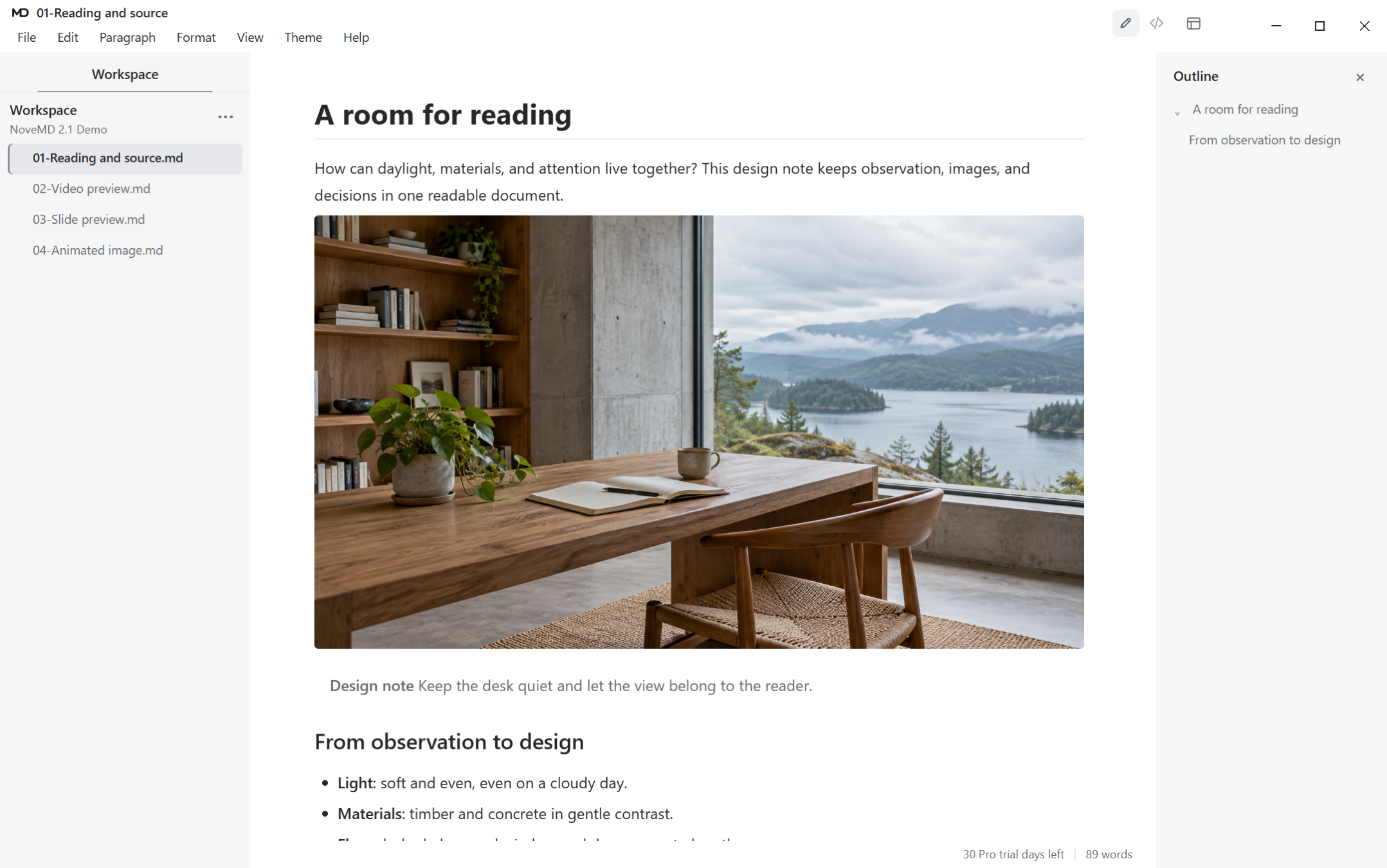
Designed as one system
Live preview, typewriter scrolling, and focus mode keep attention on your writing. Source mode offers a split preview, so you can check the result while editing Markdown.
Manage multiple documents with workspace file trees, navigate long documents with outlines, and organize content with flexible document sorting.
Import from Word, PDF, HWP and more. Export to PDF, DOCX, PPTX, HTML, TeX and more. We care about headings, paragraphs, spacing, images and pagination — so your exports are ready to read and deliver.
Native Mermaid diagram support and inline/block LaTeX math formulas for technical writing and academic work.
Preview standalone video links and animated GIFs in the reading view. Turn structured Markdown into a slide preview, then export presentation HTML or PPTX.
Download remote images to your local device and create offline document packages. Your documents work everywhere, without external dependencies.
Optimized for Chinese, Unicode, and multilingual typesetting. Ten interface languages available, with no limits on content language.
Documents are stored on your device by default. Once activated, use offline forever — no subscription expiry. Internet is only needed when you choose to unbind a device.
NoveMD · Windows
Explore every feature for 30 days, then decide whether it belongs in your workflow.